HR Portal for your team.
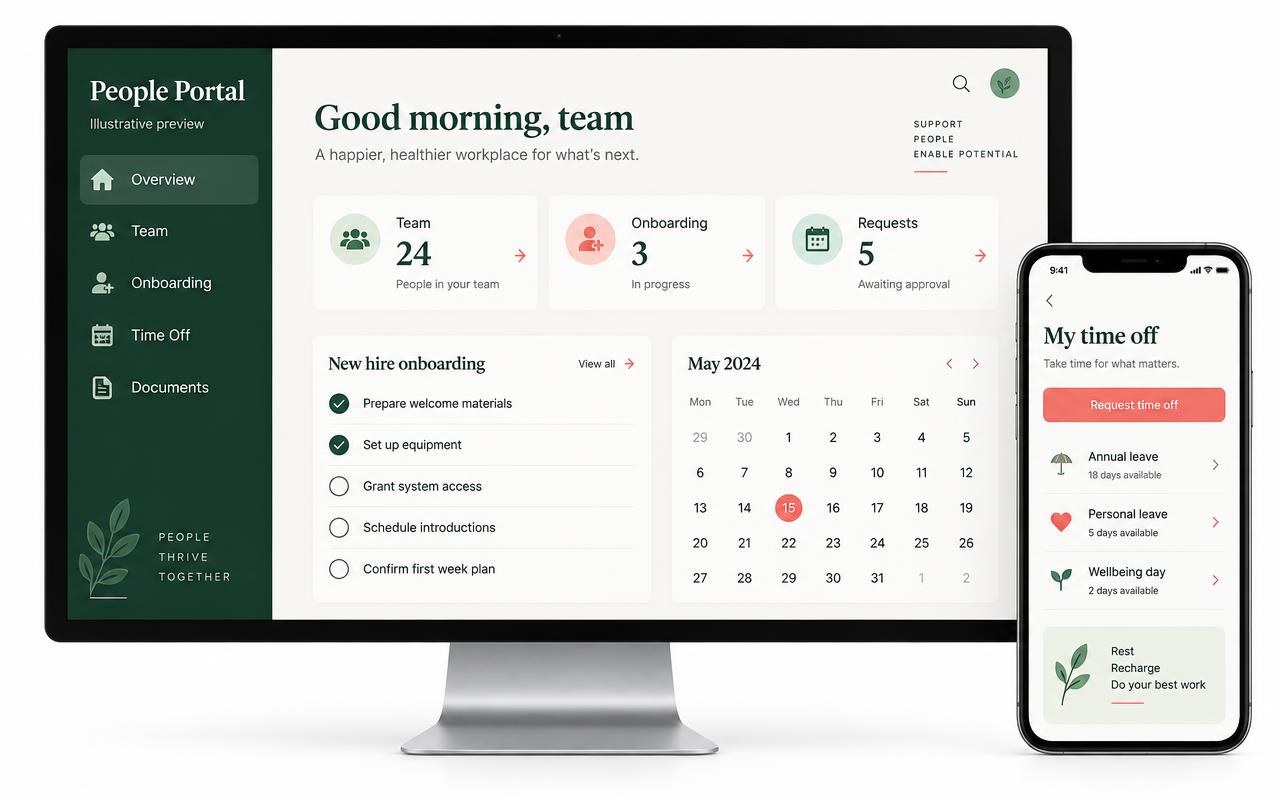
Based on our PAAA HR project: give employees a branded home for onboarding, handbook acknowledgments, training, benefits and requests, while your HR team keeps hiring and employee records organized.
How it works
- 1
Map your HR workflow
Choose your hiring stages, onboarding checklist, policies and approval process.
- 2
Set up your portal
We organize your documents, training and employee access around your business.
- 3
Employees handle the basics
Complete onboarding, acknowledge policies and submit time-off requests from one place.
- 4
HR reviews and follows up
Track completion, review requests and keep employee records up to date.
What you get
Hand-off from hiring
New hires arrive from Hiring & Applicant Tracking (sold separately) with their details already filled in.
Digital onboarding
Handbook and agreement acknowledgments, training checklists and knowledge quizzes.
Employee self-service
Profiles, document uploads, certifications and benefits elections.
Time-off requests
Employees submit requests; HR reviews and approves or declines them.
Reviews and follow-up
Review scheduling and transcript-based summaries, with optional AI-generated action items.
Private HR records
Organize employee records, workplace concerns, tasks and acknowledgments with controlled access.
Who it's for
- Growing small businesses
- Agencies and professional offices
- Teams onboarding new employees
- HR staff replacing scattered spreadsheets
Live demo
Demo coming soon. Ask for a walkthrough on your call.
What you'll save
Less paperwork and duplicate entry. We'll estimate your savings using your team size and current workflow during the planning call.
Works great with
Hire the right people faster
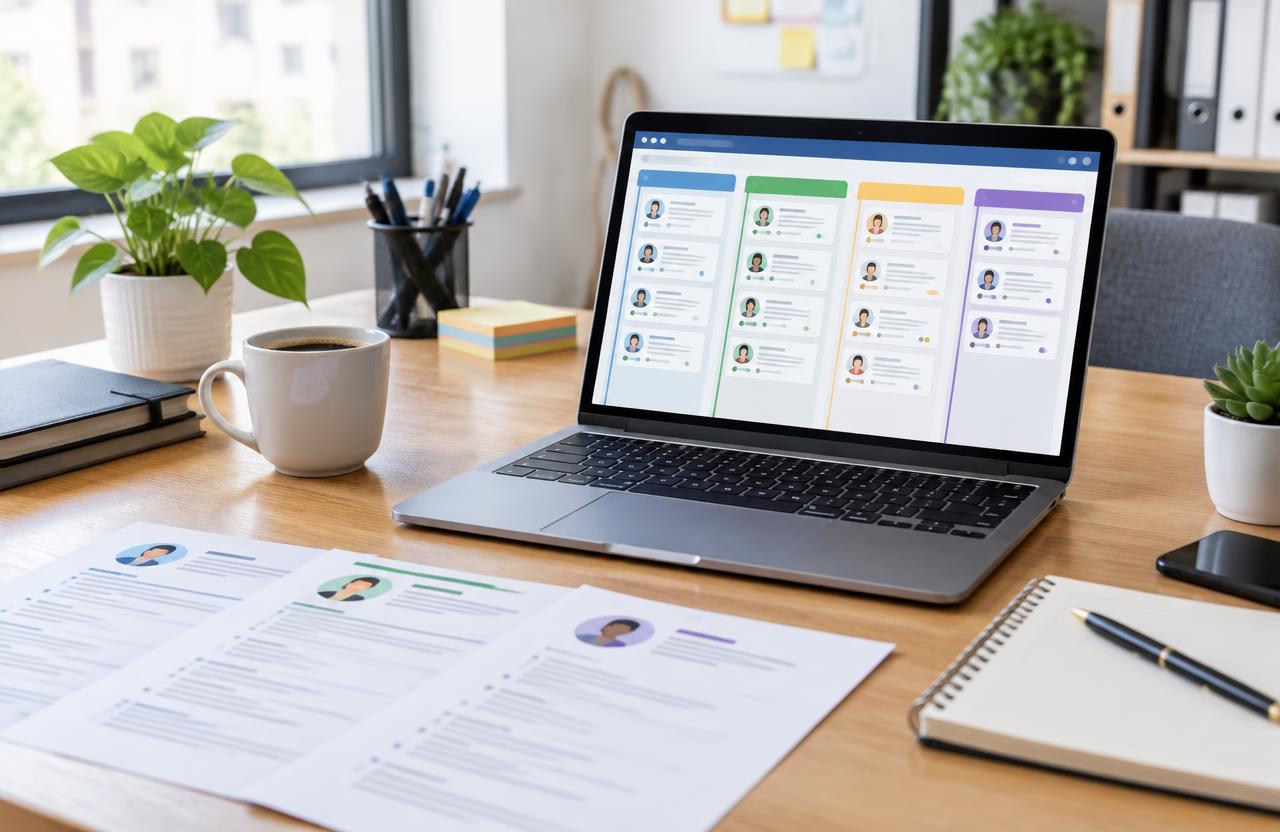
Hiring & Applicant Tracking
Post jobs, collect applications and move candidates from applied to hired.
See it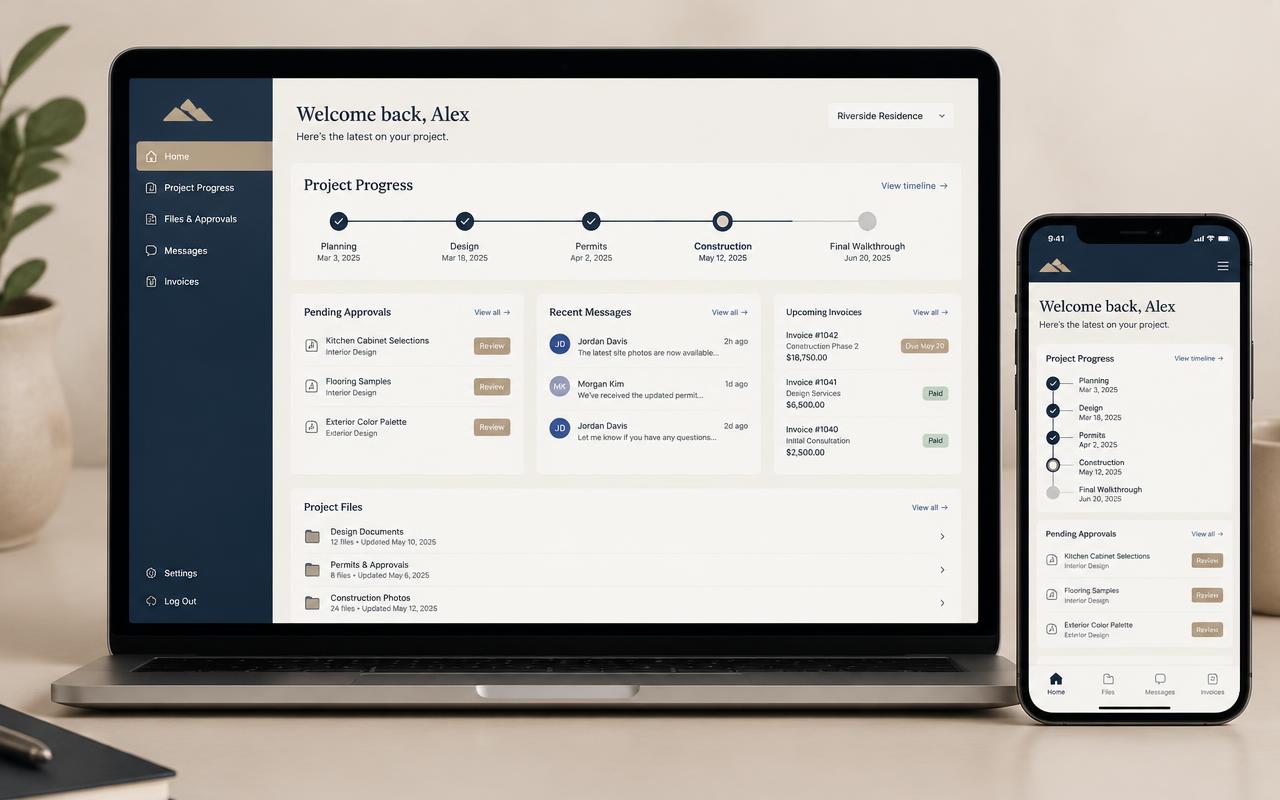
Your clients' home base
Client Portal
Progress, files, approvals and invoices in one link.
See it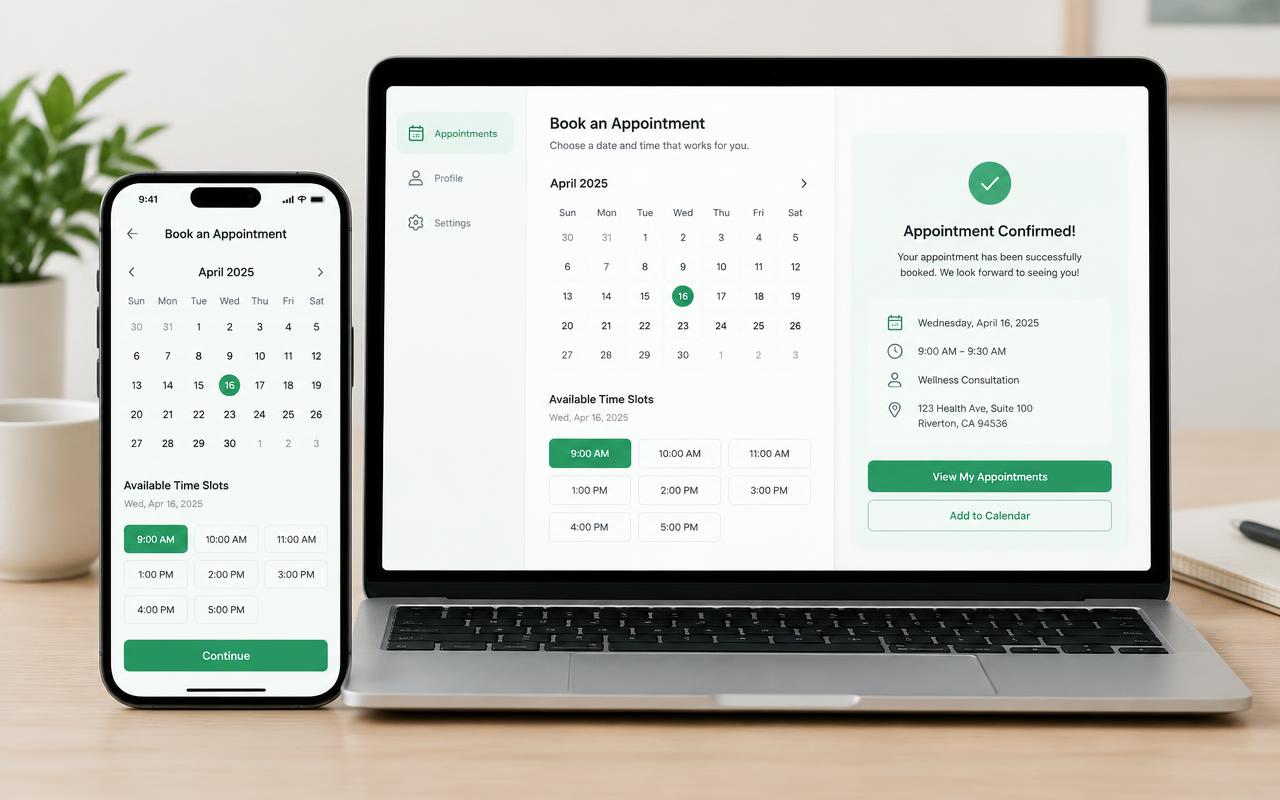
Booked while you sleep
Scheduling Service
Online booking with reminders and calendar sync.
See itQuestions
Is this the same as the Client Portal?
No. The HR Portal serves employees and HR staff; the Client Portal serves customers and their projects.
Does it include hiring?
Hiring is its own tool: Hiring & Applicant Tracking covers job posts, applicants and offers. The HR Portal starts once someone is hired. Get both in the Team Builder bundle and they connect.
Does it run payroll?
No. This offering covers HR workflows and benefits elections, not payroll calculations, pay runs or tax filing. Any payroll connection needs a separate scope review.
Where does AI help?
Optional AI can summarize review transcripts and suggest follow-up action items. Your HR team reviews the output; it does not make employment decisions.
Can anyone see employee records?
No. We plan employee and HR access separately. Sensitive records are not public, and access is scoped during setup.
Is this a monthly app I sign up for?
No. We set it up for your business, with your name, your colors and your workflow, and connect it to your website. You don't rent seats from a big software company.
How long does setup take?
Most tools are ready in 1–3 weeks after a short planning call. Bundles take a little longer because we connect the pieces together.
Who builds it?
Framed by AI. Finished by real Phoenicians. AI does the heavy lifting; our team plans, checks and launches every piece.
Ready for your HR Portal?
Framed by AI. Finished by real Phoenicians. Tell us about your business and we'll send a quote, or book a call.